


Solutions That Make
Your Event
Unique
The easiest and fastest way to share photos with features designed specifically for your needs

Event Management
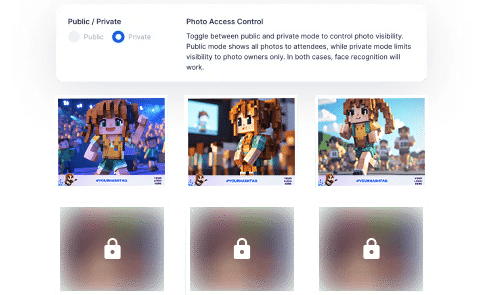
When creating an event, you can choose in the dashboard or mobile app whether photo access will be public or private. In public events, all participants can view every photo, while in private events, guests can only see their own photos.
Event owners hold the highest authority—typically the bride/groom or organizer—with capabilities including viewing all photos, managing participants, editing event details, and moderating lounge messages.

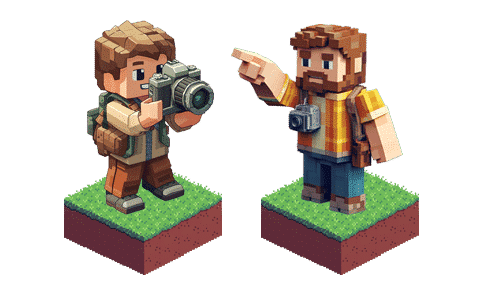
You can assign multiple photographers or uploaders to the event. The photos taken by each photographer are added to the event album separately. Photier automatically sends an email to the person you assigned, allowing them to upload photos through the secure link provided.
Participant Interaction
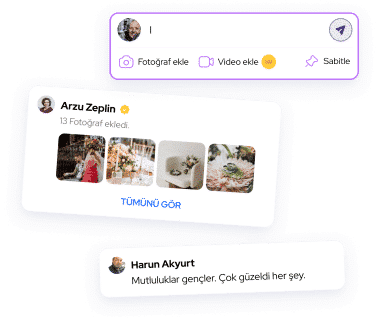
Enables effective communication with attendees through general announcements or tailored notifications, keeping them informed and making the event experience more personal and engaging.
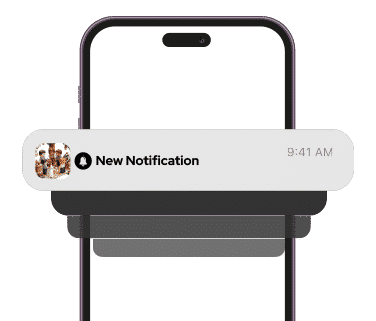
Tailor and personalize the automatic notifications that are sent to participants when their matched photos are identified. This allows you to create more intimate and impactful messages by adding the participant's name or a special note about the event.
Branding
By adding your logo and frames to the photos, you can increase your brand's visibility and reach a wider audience through social media shares.
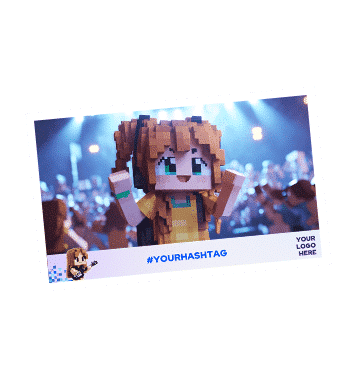
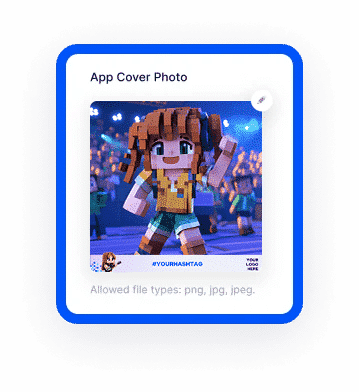
To make your event more eye-catching, you can upload a background cover image that represents the event. You can easily add this image both through the panel and the mobile app.
With a banner and link on the event page, you can easily direct attendees to your website, giving them the opportunity to learn more about your brand.
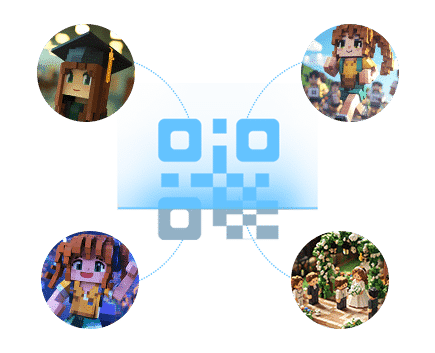
A unique event code and QR code are generated for access to the photos. By adding your brand logo to this QR code, you can both highlight your brand and offer an easy and stylish access experience for attendees.

Advanced Features
In multi-day or multi-activity events, participants can be automatically included in multiple events using a single code. This makes it easier for them to switch between activities and ensures a seamless experience.
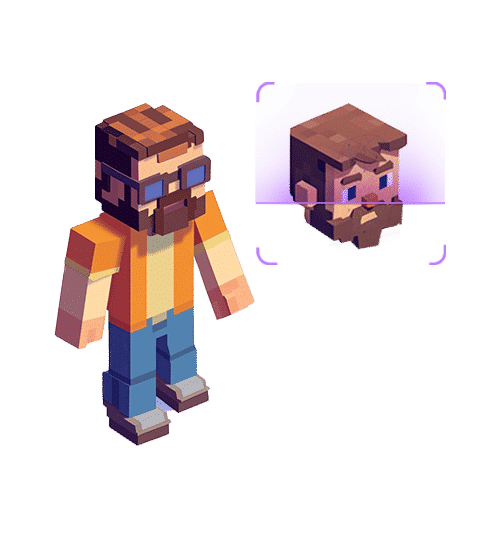
For outdoor events, facial recognition technology can be enhanced to detect accessories such as hats, glasses, helmets, etc., so that attendees can access their photos seamlessly, even if they are wearing different accessories.
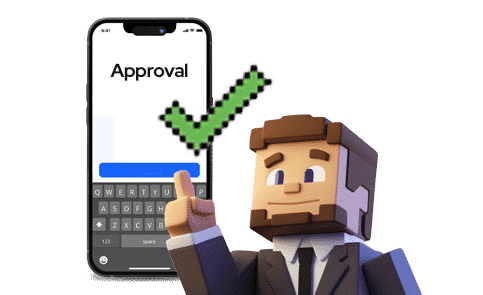
To accommodate the specific needs of your events and local regulations, an extra confirmation screen for terms and conditions can be added to gain additional approval from attendees.
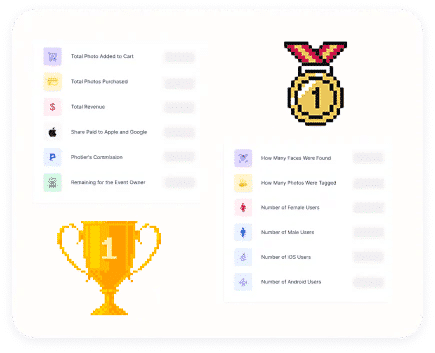
You can easily access comprehensive reports that include many different details about the event, such as the number of participants, uploaded photos and shared photos, so you can analyze the performance of your event in detail.































































The World’s First
Photo Distribution Platform
with Facial Recognition Technology
9+
Years
7K
Events
500K
Users
10M
Photos